


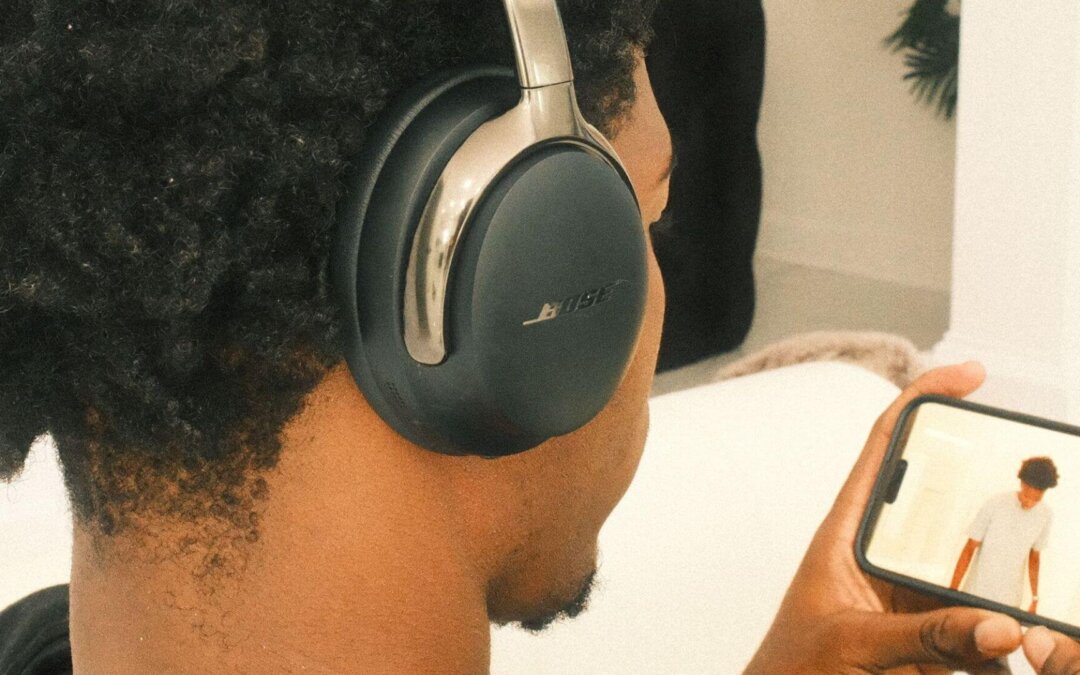
Headphones go everywhere with us — at home, at work, while commuting, and even while exercising. Over time, they collect sweat, oil, dust, and bacteria. If you’re using the best wireless headphones, proper cleaning isn’t just about hygiene — it’s about protecting sound quality, comfort, and long-term performance.
This guide will show you how to properly clean your headphones, step by step. Whether you’re using wired headphones, wireless noise-cancelling headphones, or over-ear models, you’ll learn the best way to clean headphones safely without damaging them.
What to Prepare Before You Start Cleaning Your Headphones
Before you start cleaning your headphones, it’s important to prepare the right tools and materials. Using the correct items helps prevent damage and makes the cleaning process safer and more effective, especially for premium headphones like Bose.
Cleaning tools to prepare
- Soft microfiber cloth
- Cotton swabs
- Soft toothbrush or small detailing brush
- Bowl of clean water
Safe cleaning solutions to use
- Mild soap diluted in water
- 70% isopropyl alcohol (use sparingly and only on hard surfaces)
What to avoid when cleaning headphones
- Strong chemicals or bleach
- Soaking headphones in water
- Spraying liquid directly onto the headphones
- Rough cloths or paper towels that can scratch surfaces
How to Properly Clean Headphones (Step-by-Step)
Step 1: Turn off and unplug your headphones
Always power off wireless headphones and unplug wired headphones before cleaning.
Step 2: Remove detachable parts
If your headphones have removable ear pads or foam cushions, gently take them off.
Step 3: Wipe the exterior
Use a dry microfiber cloth to wipe the headband, ear cups, and outer surfaces.
Step 4: Clean ear pads and cushions
Lightly dampen a cloth with water or mild soap solution. Wipe gently — never soak.
Step 5: Clean inside of headphones
Use a dry cotton swab or soft brush to remove dust from speaker grills and crevices.
Step 6: Let everything dry completely
Allow all parts to air dry before reassembling or using your headphones again.
How to Clean Over-the-Ear Headphones
Over-ear headphones require extra care because the ear pads trap sweat and oil.
Best way to clean over-ear headphones
- Remove ear pads if possible
- Wipe leather or synthetic pads with a slightly damp cloth
- Use mild soap for deeper cleaning
- Dry completely before reattaching
Avoid soaking ear pads, as moisture can damage the padding and adhesive.
How to Clean Headphone Pads and Foam (Earmuffs)
Ear pads and foam inserts collect the most dirt, especially in a tropical climate like the Philippines. Because of the heat and humidity, sweat builds up faster and mixes with natural skin oils, dust, and bacteria. Over time, this buildup can cause unpleasant odors, reduced comfort, and even affect sound quality if not cleaned regularly. This is why ear pads and foam parts need more frequent cleaning compared to other parts of your headphones.
How to clean headphone earmuffs
- Use a damp cloth with mild soap
- Wipe gently in circular motions
- Avoid squeezing or twisting
How to clean headphones foam
- Lightly dampen (never soak)
- Pat dry with a towel
- Air dry fully before reinstalling
How to Clean Noise-Cancelling Headphones
The best noise cancelling headphones use built-in microphones and sensors to detect and reduce outside noise. These components are sensitive and must stay dry to ensure noise cancellation continues to work properly. Because of this, cleaning noise-cancelling headphones requires extra care compared to regular headphones.
How to clean noise-cancelling headphones safely
- Do not insert anything into microphone ports
- Avoid liquid near sensors
- Use dry cotton swabs for small openings
Proper cleaning helps maintain effective noise cancellation.
How to Clean Wired Headphones
Wired headphones are simpler, but cables need attention too.
How to clean wired headphones
- Wipe cables with a dry or slightly damp cloth
- Remove debris from connectors carefully
- Never bend or twist the cable while cleaning
Keeping cables clean helps prevent signal issues and wear.
Why Cleaning Your Headphones Matters
Cleaning headphones regularly helps:
- Prevent bacteria buildup
- Reduce odors
- Keep ear pads soft and comfortable
- Maintain sound clarity
- Extend the life of your headphones
Dirty headphones can clog speaker grills, affect noise cancellation, and cause ear irritation. A few minutes of cleaning every few weeks can make a big difference.
Frequently Asked Questions About Cleaning Headphones
How do I disinfect headphones safely?
To disinfect headphones safely, use 70% isopropyl alcohol applied to a soft cloth. Gently wipe hard, non-porous surfaces such as the outer ear cups, headband, and controls.
Avoid using alcohol on:
- Ear pad interiors
- Foam padding
- Speaker grills or microphone ports
This method helps kill germs and bacteria without damaging your headphones when done properly.
Can I wash headphones with water?
No. Headphones should never be washed with running water or submerged.
Avoid the following:
- Rinsing headphones under a faucet
- Submerging them in water
- Putting them in a washing machine
Headphones should always be cleaned by wiping, not washing. Moisture can damage internal electronics and permanently affect performance.
Can I use vinegar or soap to clean headphones?
Mild soap diluted in water is safe when used correctly.
You can use mild soap for:
- Ear pads
- Headbands
- Exterior surfaces
Apply it using a slightly damp cloth, not directly onto the headphones.
Vinegar is not recommended for cleaning headphones. It can:
- Damage materials
- Leave strong odors
- Weaken adhesives over time
For best results, stick to mild soap or isopropyl alcohol.
How often should I clean my headphones?
A simple cleaning schedule helps prevent dirt and bacteria buildup.
As a general rule:
- Light wipe: once a week
- Deep cleaning: every 3–4 weeks
- After workouts or heavy sweating: wipe immediately
This is especially important in hot and humid climates, like the Philippines.
How can you keep your headphones clean for longer?
Good daily habits reduce the need for frequent deep cleaning.
To keep your headphones clean longer:
- Store them in a case when not in use
- Avoid wearing them with wet hair
- Wipe them down after workouts
- Wash or clean your hands before use
Small habits go a long way in maintaining comfort, hygiene, and sound quality.
Clean Your Bose Headphones the Right Way
Keeping your Bose headphones clean isn’t just about hygiene — it’s about maintaining comfort, sound quality, and long-term performance. With regular cleaning and the right techniques, you can prevent sweat, dirt, and bacteria from building up, especially in a warm and humid climate like the Philippines.
At Eleksis Marketing Corporation, we encourage proper care so you can continue enjoying the premium sound and comfort Bose is known for. By following the steps in this guide, you’ll help extend the life of your headphones and keep them performing at their best.
If your headphones need professional cleaning, inspection, or support, our authorized service team is ready to help.